Room and Equipment Scheduling Software for Spas
Learn how room and equipment scheduling software prevents double-booking, reduces idle time, and keeps your spa calendar running without front-desk chaos.
TL;DR: Most appointment software books a provider and a time slot, but leaves rooms and equipment out of the equation entirely. Treating every treatment room, laser device, and massage table as its own bookable resource eliminates double-booking at the physical layer, reduces equipment idle time, and gives your front desk a single calendar view of what's actually available.
You can have six estheticians on the schedule and still grind to a halt if two of them are assigned to the only hydrafacial machine at the same time. The appointment confirmed without a problem because the software checked provider availability and ignored the device. The conflict shows up when the second client is already in the chair.
That scenario plays out in spas and med spas daily. The fix isn't stricter front-desk oversight — it's configuring your booking system to treat physical resources the same way it treats staff: as finite things with their own calendar that must be available before an appointment can be confirmed.
What a Bookable Resource Is (and What It Isn't)
A bookable resource is anything that can only be in one place, doing one thing, at a time. In an appointment-based business, that breaks down into two categories.
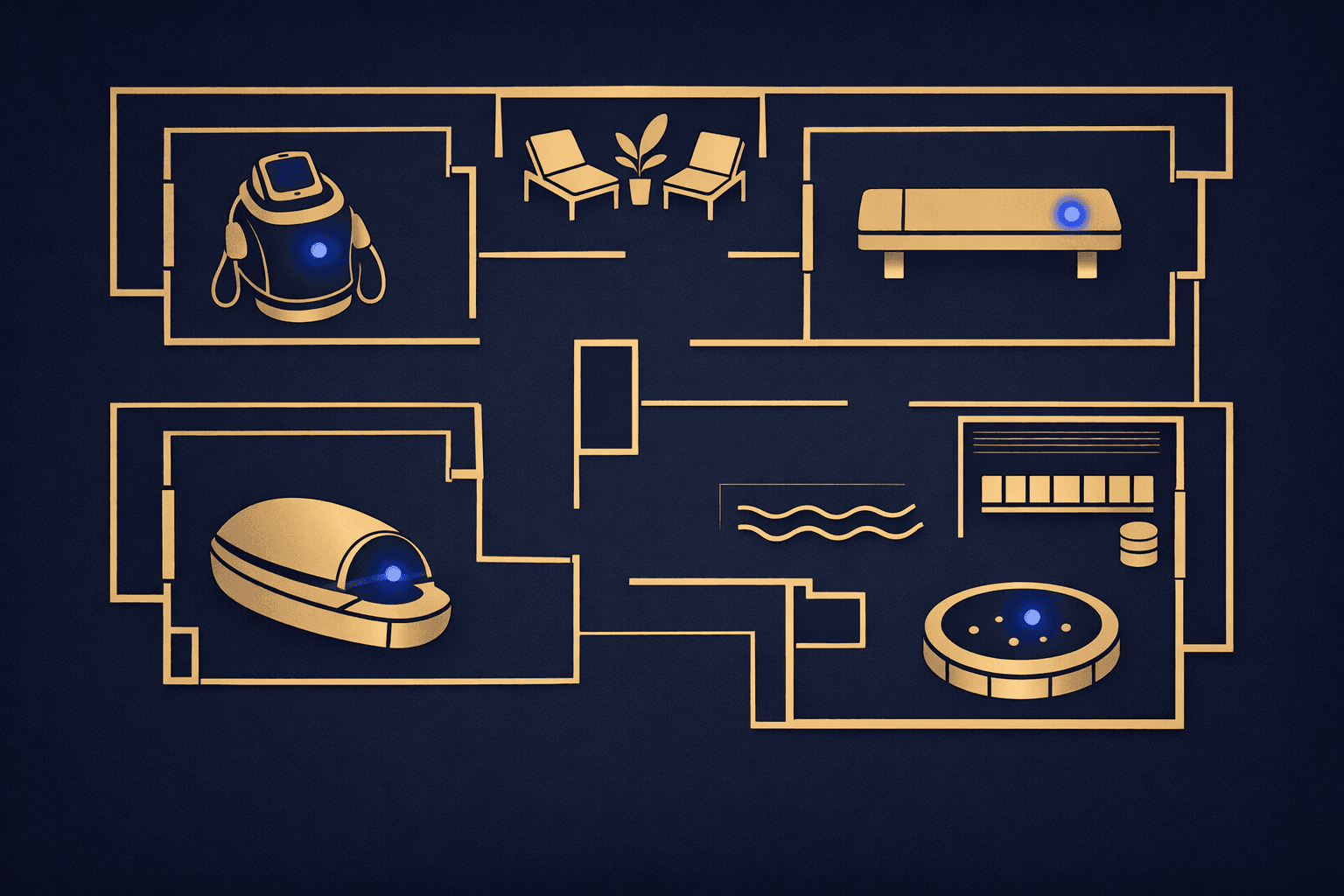
Spaces: treatment rooms, suites, float tanks, saunas, spray tan booths, private nail stations, consultation rooms. A room has a fixed capacity. If it's occupied, it's occupied.
Equipment: laser devices, hydrafacial machines, ultrasound units, cryotherapy pods, red light panels, tanning beds, steamer carts. Equipment can move between rooms, but it still can't be two places at once.
What is *not* a bookable resource: a service, a time slot, or a provider. Those already have their own availability logic. Resources sit underneath that logic as a third constraint. An appointment clears only when provider, time, and resource are all simultaneously free.
Why Most Calendars Miss This
Basic scheduling software — and even some mid-tier platforms — models bookings as provider + time. That works fine for a solo booth renter or a studio with one of everything. It breaks the moment you have more providers than rooms, or more services than devices.
The failure modes look like:
- Two back-to-back facial appointments booked with different estheticians in the same room because the system confirmed both against provider availability alone
- A laser hair removal device reserved back-to-back for six hours with no buffer for sanitizing, cooldown, or the maintenance window a tech already scheduled
- A massage therapist scheduled in Suite B while Suite B is already flagged in the paper log for a VIP client who booked the full room experience
None of these are human errors exactly. They're configuration gaps. The data model didn't include rooms and equipment, so the booking logic couldn't consider them.
How Resource Scheduling Works in Practice
When rooms and equipment are set up as proper resources, the booking flow gains a third availability check before it confirms anything.
Here's the logic sequence:
- Client selects a service and a time.
- System checks which providers are qualified for that service and available at that time.
- System checks which required room or device is available at that same time.
- Appointment is offered only when all three align. If the device is booked, that slot is unavailable regardless of provider availability.
For services that require a specific room type (a float tank, for instance) but no particular provider, the resource itself becomes the primary constraint. You're booking the tank first, then assigning whoever is on shift.
For equipment that floats between rooms, the configuration assigns the device to a location at scheduling time. This prevents two providers from claiming the same device in different rooms without anyone realizing it.
Buffer time applies to resources too, not just providers. A laser device may need fifteen minutes between clients for cleaning and parameter resets. That buffer gets attached to the resource itself, not to any one provider, so the gap holds regardless of who runs the next session. For more on how buffer logic works in general, the post on buffer time between appointments covers the mechanics in detail.
Setting Up Resources Without Breaking Your Existing Calendar
Adding resource-level scheduling to an existing calendar is a configuration project, not a rebuild. A few practical steps:
Inventory first. List every room and every piece of equipment that has any kind of scarcity. If you have four steamer carts and you've never had a conflict, they probably don't need to be resources. If you have one hydrafacial machine that's the bottleneck for your whole esthetic menu, it does.
Map services to resources. For each service on your menu, note which room type it requires and which device (if any) it needs. A chemical peel needs a treatment room but no specific device. A laser facial needs a treatment room *and* the laser. That distinction matters for booking logic.
Set capacity limits per resource. A room can hold one provider and one client at a time. A large float suite might accommodate two tanks side by side if they're configured as separate resources. This is where your floor plan maps directly to your booking system.
Build in maintenance windows. Equipment has downtime: calibration, filter changes, cooling periods. Those windows get blocked on the resource calendar, not on a provider's calendar, so they hold no matter who's working that day.
Test before going live. Book two conflicting appointments from two different front-desk logins and confirm the system blocks the second one. Then try booking a maintenance window and confirm no client appointment can land on top of it.
Platforms like Vagaro, Mindbody, and Boulevard each handle resource configuration differently. Some call them "resources," others call them "assets" or "locations." The naming varies, but the underlying logic is the same: a finite object with its own availability calendar.
How This Changes Front-Desk Operations
Once resources are in the system, the front desk gains something valuable: a view that shows room and device availability independently of who's working. That matters for a few common situations.
Walk-in assessment becomes faster. Instead of mentally running through the room layout, a receptionist can see at a glance which treatment rooms are free for the next ninety minutes and offer the client a real option immediately.
Provider swaps don't break the booking. If an esthetician calls out and a colleague covers, the swap works as long as the replacement is qualified for the service. The room assignment doesn't change and doesn't need to be manually re-checked. The post on handling last-minute provider callouts gets into the staffing side of that scenario in more depth.
Equipment downtime doesn't have to be communicated verbally across the team. Block it on the device calendar once and no one can accidentally book over it.
For businesses that store this kind of operational detail alongside client records and staff scheduling in one place, a client management system that models resources natively saves the manual coordination that otherwise leaks out as phone calls, sticky notes, and front-desk interruptions.
AI receptionists benefit from resource scheduling too. When a voice AI answers a call after hours and tries to offer booking slots, it queries real-time availability. If that availability check only covers providers and ignores physical constraints, the voice AI can confirm appointments that are physically impossible. Accurate resource data upstream means accurate offers downstream.
FAQ
What's the difference between a room resource and a service location in booking software?
A service location is typically a physical address or branch. A room resource is a specific space within one location — suite 3, float tank 2, laser room A — that has its own availability calendar. Both exist in most platforms, but they operate at different layers of the booking hierarchy.
Can equipment be shared across multiple rooms in the same scheduling system?
Yes, if your platform supports it. The device gets configured as a single resource that moves between rooms. Because it's only one object, it can only hold one booking at a time regardless of which room it's assigned to that day. Some platforms require you to pre-assign the device to a specific room per day to make the logistics explicit.
What happens when a resource is double-booked before the system is configured correctly?
The system doesn't know it happened. It confirmed both appointments because it only checked provider availability. Catching it requires a manual audit of the schedule or a physical conflict during the service day. Configuring resources correctly is the only reliable prevention.
Do all spa booking platforms support room and equipment as separate resources?
Not all of them, and the depth of support varies. Vagaro, Mindbody, and Boulevard all support resource objects, though the configuration paths and naming conventions differ. Before committing to any platform, test specifically whether resources block conflicting appointments in real time — not just flag them after the fact.