What the Zenoti Docs Actually Say About Data Export
Zenoti's own documentation confirms there is no bulk export for client notes. Here's what that means before you sign, and before you try to leave.
TL;DR: Zenoti's own documentation confirms there is no bulk export path for client notes. You can pull appointment history and sales records, but client notes do not travel with them. The field is simply excluded. If your business depends on detailed client records, that gap matters before you sign and even more before you try to leave.
Client notes are the institutional memory of a service business. They hold the reason a guest requested a specific stylist, the product sensitivity flagged at intake, the membership exception you approved last quarter, the preference a client mentioned once and expects you to remember forever. Lose the notes, and you lose the context that turns a transaction into a relationship.
Zenoti is a well-resourced platform used across large salon and spa groups, as well as franchise networks. Its pricing reflects that positioning. What its documentation also reflects, quietly, is a meaningful limitation: when it comes time to export your data, client notes do not travel with the rest of the record.
What Zenoti's Documentation Says About Export
Zenoti offers data export through its reporting tools and, for enterprise accounts, through its API. The platform does allow you to pull structured data: appointment records, sales history, guest profiles with contact fields, and similar transactional rows. That data can be exported in standard formats.
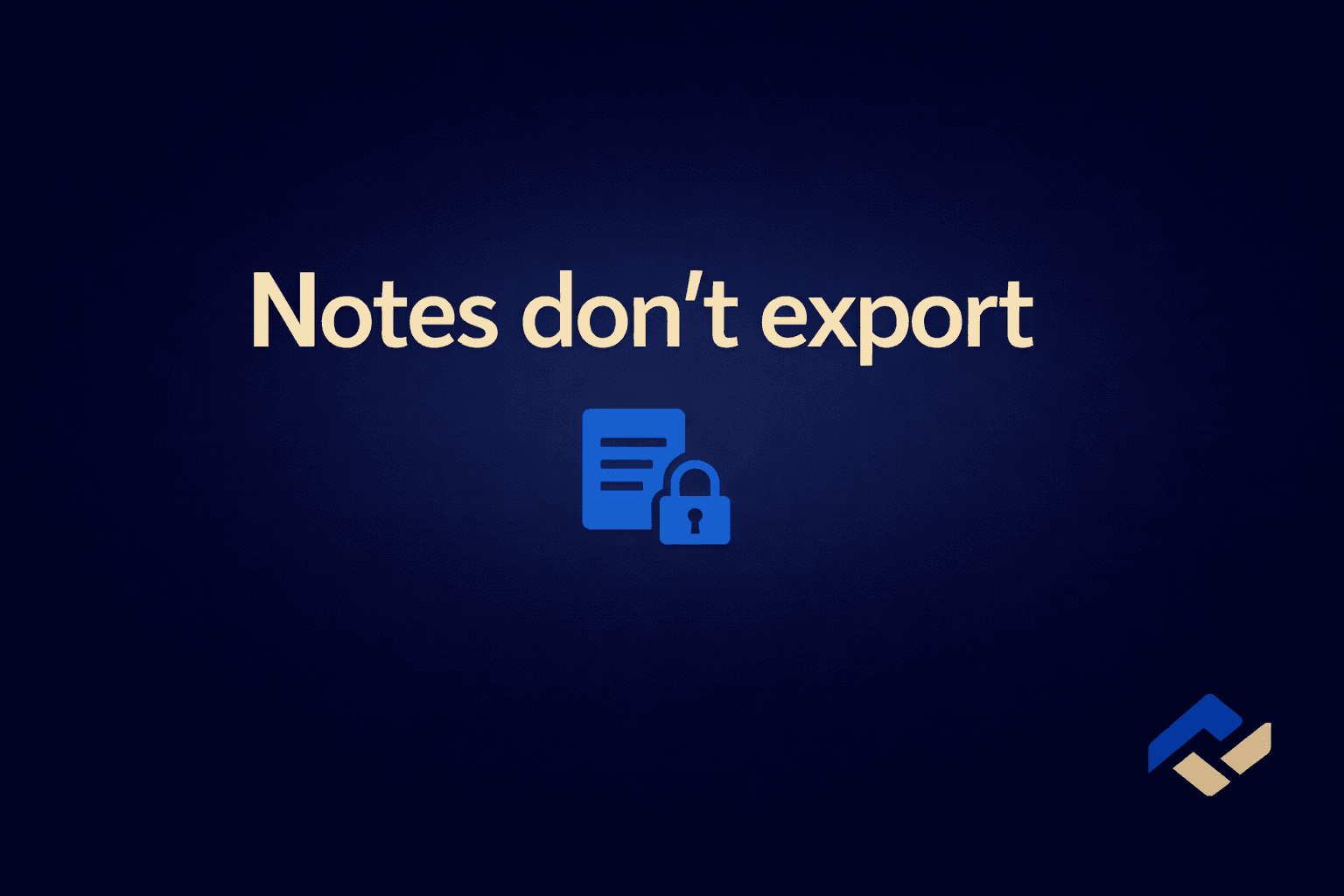
Client notes are different. Notes are unstructured text fields attached to a guest profile. Per Zenoti's own documentation, there is no bulk export available for client notes. They are visible inside the platform, where staff can read and update them, but they are not included in the standard report exports. There is no export-all function that pulls them as a file you can open elsewhere.
This is not a buried disclaimer. It is simply the documented behavior of the product. The problem is that most operators do not read the documentation before they sign, and the sales process does not lead with it.
Why Notes Are the Hardest Thing to Lose
Spreadsheet data is recoverable. If you export your client list and it has a name, a phone number, an email, and a visit count, you have enough to import into another system and rebuild from there. You will be missing context, but the contact record exists.
Notes cannot be reconstructed from a row of numbers. Consider what typically lives in a client note:
- Preferred pressure level or technique noted after a complaint two years ago
- A known skin sensitivity that was caught during an intake and has never been re-entered into a form
- A membership exception that was approved verbally and never added to a formal record
- Scheduling preferences (always books the last slot, never before noon, requests a specific room)
- Personal context a staff member added because it helped them deliver a better experience
None of that appears in an appointment history export. None of it shows up in a sales record.
For a spa or salon that has been on Zenoti for two or three years, that is a meaningful loss. For a med spa with clinical notation in guest records, it could be a compliance concern as well.
The Operational Cost of Starting Over
When client notes cannot be exported, the choices available to an operator switching platforms are narrow. You can ask staff to manually copy notes for high-value clients before the cutover, which takes time and introduces errors. You can leave the old Zenoti login active as a read-only reference for some transition period, which means paying for access to data you can no longer use in your live system. Or you can accept the loss and rebuild notes as clients return.
None of those options is free. Manual copying at scale is a real labor cost. Maintaining two system logins creates confusion at the front desk. Rebuilding client context from scratch means a period of degraded service quality, which guests notice even if they cannot name the cause.
This is the deeper arithmetic of platform lock-in. The data export fees in salon software conversation usually focuses on per-record charges or subscription cancellation terms.
What to Ask Before You Sign With Any Platform
The Zenoti situation is a useful prompt for a broader due diligence question. Before committing to any booking or client management platform, the right questions about data portability are:
- What fields are included in a full client export, specifically?
- Are notes and custom fields included in that export?
- Is there a bulk export function, or does export require API access or a support request?
- Is there a fee to export, or a minimum subscription tier required to access export functions?
- What happens to the export access if you cancel your subscription?
If the answer to question 2 is no, or qualified with "some fields," ask the vendor to show you the export schema in writing before you proceed. A platform that cannot show you what leaves with you is a platform making a bet that you will not look until it is too late to matter.
For context on how other platforms handle this, Boulevard's 30-day export window and Vagaro's export limitations both follow different mechanics, but they share the same underlying logic: data portability is not the same as data ownership.
The comparison of booking platforms across pricing and features is one way to hold these differences side by side before committing. It also covers lock-in terms for each platform.
How to Protect Notes Before a Migration
If you are currently on Zenoti and considering a move, the time to address the notes gap is before you cancel, not after. A few approaches that reduce the damage:
- Pull a full list of your top clients by visit frequency or lifetime spend. For that segment, assign staff to review and document notes in a format that can be imported or re-entered elsewhere.
- Use Zenoti's reporting to identify clients with notes attached (if the platform surfaces that count). Prioritize those records.
- Export whatever structured data Zenoti does allow, and verify the completeness of that export while you still have platform access.
- Keep the Zenoti account active, without canceling, until the import into your new system is verified and complete. Canceling first removes your read access to the notes that still live there.
The last point applies to any platform migration, not just Zenoti. On what Mindbody's data export involves, the same rule holds: verify the import before you close the old account.
FAQ
Can you export client notes from Zenoti?
Per Zenoti's own documentation, there is no bulk export available for client notes. Notes are visible inside the platform but are not included in standard report exports or available as a downloadable file.
Does Zenoti charge a fee to export data?
The primary issue for most operators is not a fee for exporting notes but the absence of any export path for that field at all. Verify current terms directly with Zenoti before signing or canceling.
What data can you export from Zenoti?
Zenoti allows export of structured records through its reporting tools, including appointment history, sales data, and standard guest profile fields such as contact information. Custom fields and notes are not part of the standard bulk export.
What should I do with my Zenoti notes before switching platforms?
Canceling before that step means losing read access to notes you can no longer retrieve.