Every Call Recorded, Transcribed, and Summarized by AI
Learn how AI call recording, transcripts, and summaries give appointment businesses a complete record of every phone conversation — without extra staff.
TL;DR: Tersavia's AI receptionist records every call, generates a full transcript, and produces a plain-language summary of what was discussed and what action was taken. You get a searchable, reviewable record of every phone interaction without asking your front desk to take notes or replay voicemails.
Your front desk is busy. Between checking a client out, ringing up a retail product, and confirming the next appointment, the phone rings. Whoever answers it is half-distracted. If it goes to voicemail, nobody has time to replay it. Either way, the details of that call rarely make it into your client record.
Multiply that by thirty or forty calls a day across a busy location, and you're running on fragments. A staff member remembers something about a new client who asked about a specific treatment. Another recall that someone called about a pricing question. Nobody wrote it down. The information existed, briefly, and then evaporated.
Call recording, transcription, and AI summaries solve this at the source. Here's exactly how it works inside Tersavia.
What Gets Captured on Every Call
When Tersavia's AI receptionist answers a call, the recording starts at the first second. Nothing is excluded. The full audio is retained, time-stamped, and tied to the caller's phone number.
From that audio, a verbatim transcript is generated. Every word the caller said, every response the AI gave, line by line. If the caller said "I want to book a hydrafacial for next Thursday around noon," that sentence appears in the transcript exactly as spoken.
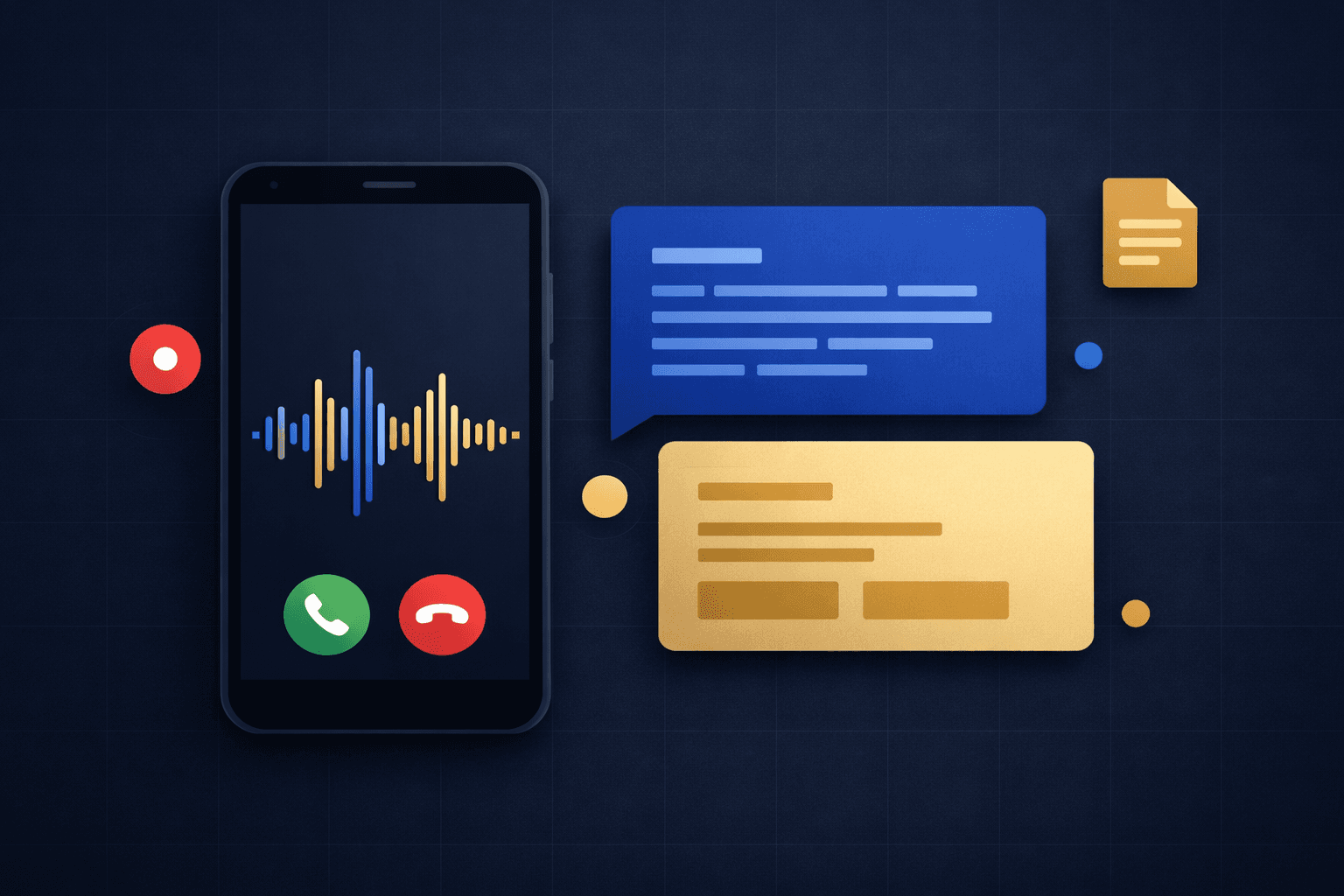
On top of the verbatim record, Tersavia generates an AI summary. This is a short, plain-language account of what the call covered:
- What the caller was asking for
- What action was taken (appointment booked, question answered, transfer requested, callback scheduled)
- Any details the caller shared that are relevant to their record (preferred provider, treatment history mentioned, pricing concern raised)
- Whether the call resolved completely or requires a follow-up
All three layers — audio, transcript, summary — are stored inside the client's record in Tersavia. In Tersavia, the calendar and client records are one system, so there is no second copy to keep in sync.
Why Three Layers Instead of One
Some systems record calls and stop there. Audio alone is close to useless for daily operations. Nobody has time to listen back to a two-minute call to find out if a client mentioned a product allergy.
Transcripts solve the search problem. You can scan a transcript in ten seconds or run a keyword search across hundreds of calls to find every conversation that mentioned a specific service or complaint. That's useful for training, dispute resolution, and identifying patterns in what clients are asking about before they book.
The AI summary solves the operational problem. It gives you the one-paragraph answer to "what happened on this call" without requiring anyone to read through the full transcript. For your front desk, this is the layer they'll use most. A client calls back, the staff member pulls up the record, reads the summary from the prior call, and already knows the context.
The three-layer structure means you have the right level of detail for whatever situation comes up — a quick staff briefing, a billing dispute, or a compliance review.
How the Summary Gets Attached to a Client Record
When a known caller rings in, Tersavia matches the phone number to an existing client profile before the call ends. The summary and transcript are appended to that client's activity log automatically. No manual data entry, no copy-paste from a notepad.
For a first-time caller, Tersavia creates a contact record tied to the phone number, with the call summary as the first entry. When that person comes in and gets added formally to your system, the call history is already there.
This matters more than it might sound. Think about a client who called three weeks ago, asked about pricing for a series of laser sessions, and said she'd think about it. She calls back today. Your AI receptionist — or your front desk, if the call transfers — can see that prior conversation before saying a word. That context changes how the conversation goes.
For more on how Tersavia's AI receptionist handles calls end to end, including transfer logic and after-hours coverage, see Tersavia's AI reception platform.
Using Transcripts for Staff Training and QA
Call recordings and transcripts have a second use that operators don't always consider upfront: staff development.
When you have a verbatim record of how every call was handled, you can review how your AI receptionist responded to edge cases — unusual requests, upset callers, questions it hadn't encountered before. If you identify a response that could be better, you can adjust the configuration and test the result.
For locations with human staff handling some calls, transcripts from AI-handled calls give managers something concrete to work with during training. Instead of role-playing hypothetical scenarios, you're reviewing real conversations that happened in your business this week.
This also applies to front desk phone volume analysis. When you can pull transcripts from a hundred calls, you can see exactly which question types are eating the most staff time — and either optimize the AI's handling of them or build better self-service resources.
What AI Summaries Catch That Staff Miss
Front desk staff are not trained note-takers, and they shouldn't have to be. When someone is checking out a client and answering a question on the phone at the same time, details fall through.
AI summaries capture things that would otherwise disappear:
- A caller mentions they had a reaction to a product during their last visit at another location
- A caller asks whether you accept a specific insurance or HSA card
- A caller says they're booking for an event happening in four weeks and needs a specific service sequence
- A caller expresses frustration about a previous experience and is giving you a second chance
None of these belong in a booking note field. All of them are relevant to how you serve that client. AI summaries pull them out of the audio and put them where your team can see them.
This connects directly to no-show and retention patterns too. If you can track which clients raised pricing concerns before they booked and then didn't return, you start to see where follow-up matters most.
Searching Across Call History
One capability that operators underestimate is search. When every call produces a transcript, your entire phone history becomes searchable text.
Practical examples of what this enables:
- A client disputes a charge and says "I was told during my call that the price would be lower." You search the transcript of that call and know in thirty seconds what was actually said.
- You want to know how often clients ask about a new service you added last month. Search the transcripts for that service name and see the volume.
- You're reviewing a staff member's handling of sensitive calls. Pull the transcripts for calls that transferred to that person and read through the context.
- A client claims they booked an appointment that never made it into the system. The transcript shows exactly what the AI confirmed, down to the date, time, and provider.
This kind of searchable record is something most appointment businesses have never had access to. Historically, voicemails go unreturned and the details of those calls disappear entirely. Transcripts change the evidentiary standard for your business.
FAQ
Q: Does the AI generate a summary for every call, or only ones where something was booked?
A: Every call gets a summary, regardless of outcome. A call where the caller hung up after thirty seconds gets a summary noting the incomplete interaction. A call where a client asked a question and got an answer without booking also gets a summary. Complete coverage means no gaps in the record.
Q: Can I search call transcripts by date range or service type?
A: Yes. Transcripts in Tersavia are searchable by keyword, date, caller, and outcome. You can filter to a specific time window or pull all calls that mentioned a specific service name.
Q: What happens to the call record when the caller is already a client?
A: Tersavia matches the caller's phone number to the existing client profile and appends the call summary and transcript to that client's activity log. The booking or note that results from the call lands on the same client record, so everything stays in one place.
Q: Are call recordings stored indefinitely, or is there a retention limit?
A: Tersavia retains call recordings, transcripts, and AI summaries according to your account's data retention settings. You control how long records are kept, and you can export them at any time without an export fee.