SMS Reminders That Actually Change Client Behavior
Most appointment SMS reminders get ignored. Learn what message structure, timing, and tone actually change client behavior and cut no-show rates.
TL;DR: Most SMS reminders are ignored because they're written like system notifications, not human messages. The businesses cutting no-show rates aren't just sending more texts — they're sending smarter ones. This post breaks down what makes a reminder land, what makes it get ignored, and what to do differently starting this week.
You've set up your reminders. They go out. Clients still don't show. You wonder if the texts are even reaching anyone — but you can see the delivery confirmations. They're delivered. They're just being ignored.
Here's the uncomfortable truth: a text that gets delivered and a text that actually changes someone's behavior are two completely different things. Most businesses have figured out the first one. Very few have figured out the second.
This isn't about sending more reminders or buying a fancier tool. It's about understanding why clients no-show in the first place, and then engineering your messages to address those actual reasons — not just the symptom of "they forgot."
Why Most SMS Reminders Fail (It's Not the Channel)
SMS has the best open rates of any communication channel — consistently above 90% within three minutes of delivery. That statistic gets cited constantly. What nobody talks about is that open rate is not the same as action rate.
Here's what typical reminder failure looks like:
- Client sees the text, reads it, thinks "okay, noted" — and does nothing
- Client has a vague concern about the appointment (cost, time, anxiety about the service) but the text gives them no path to resolve it
- Client is running late but doesn't know if they can still come, so they just don't show up at all
- Client forgot they booked months ago and the reminder text doesn't give them enough context to jog their memory
None of these failures are solved by sending the text two days earlier or adding an emoji. They're solved by understanding what clients actually need from a reminder, and building that into the message.
The biggest mistake: treating a reminder like a calendar notification. It's not. A calendar notification informs. A good reminder message *reassures, confirms intent, and removes friction* — all in under 160 characters.
The Four Jobs a Good SMS Reminder Has to Do
Every high-performing reminder message does four things simultaneously. Most reminders do one or two and skip the rest.
1. Confirm the specific details
Not just "your appointment is tomorrow." Clients who booked three weeks ago need the full picture — service name, provider name, time, and location. Vague reminders create uncertainty, and uncertainty is the enemy of showing up.
*Weak:* "Reminder: You have an appointment tomorrow at 3pm."
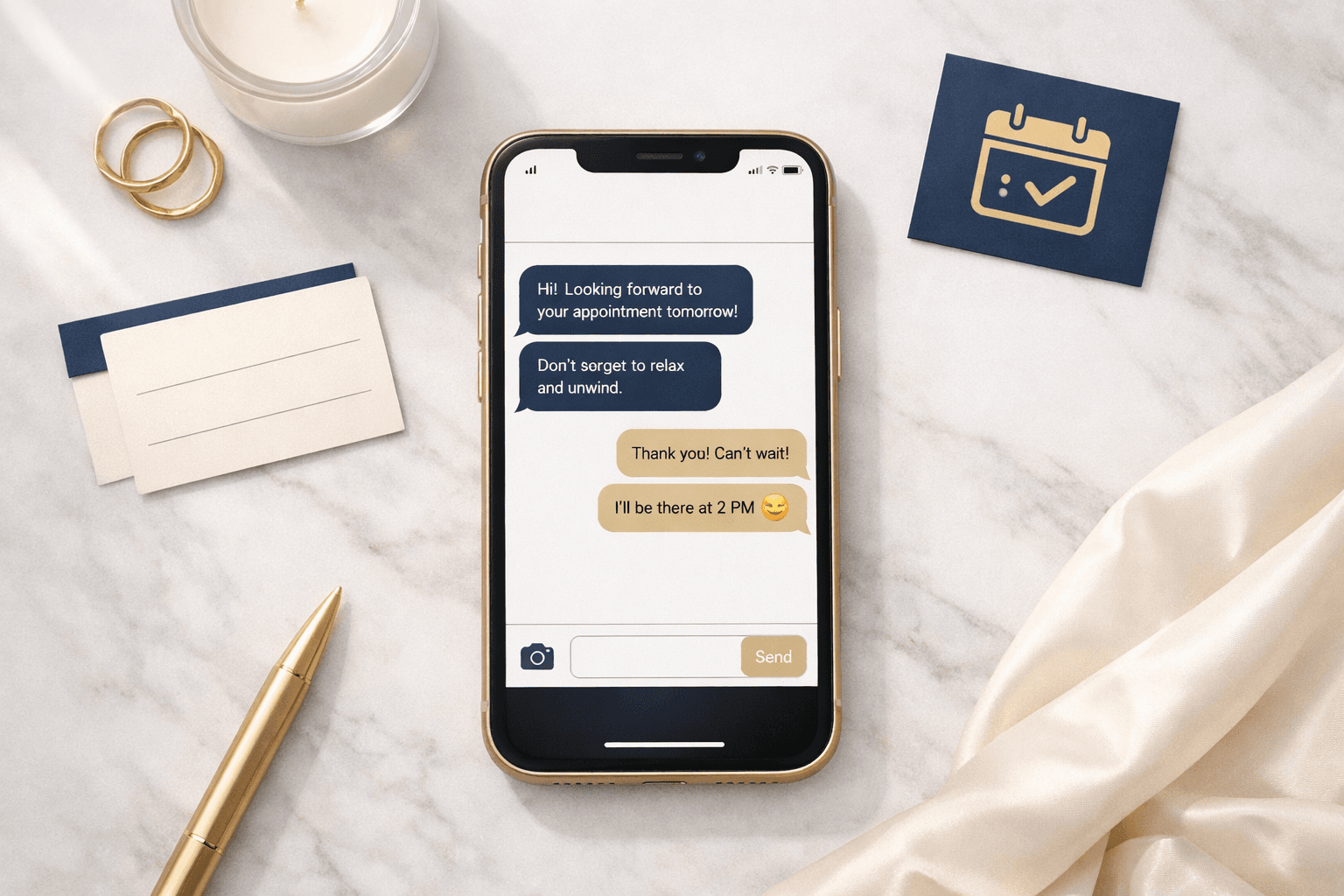
*Better:* "Hey Sarah — you're booked with Maya for a 60-min deep tissue tomorrow, Tues Aug 18 at 3pm at [location]. Reply C to confirm."
2. Create a soft commitment
A reply-to-confirm mechanic isn't just a feel-good feature — it generates a small behavioral commitment. When a client replies "C," they've made a micro-decision to attend. Psychologically, people are more likely to follow through on decisions they've actively articulated. This is why two-way reminders consistently outperform one-way blasts.
3. Give them an easy out — before it's too late
This is counterintuitive. You might think offering an easy cancel encourages cancellations. But what you actually want to prevent isn't the cancellation — it's the silent no-show. A client who cancels 18 hours out is manageable. A client who simply doesn't show at 3pm on a Tuesday destroys that slot completely.
Include a cancellation or reschedule link in every reminder. Make it obvious. Clients who were going to bail anyway will bail earlier, and you get your slot back.
4. Reinforce the value, not just the logistics
This one is underused. A line like "Can't wait to see you — this is your hour" or "Your provider is set and ready for your session" reminds the client why they booked in the first place. It's not fluff. It re-activates the positive emotion that drove the original booking decision.
Message Structure That Works in 2026
Here's a framework that consistently performs across appointment-based businesses:
`
[Name], your [service] with [provider] is [day] at [time].
[Location or arrival note if needed.]
Reply C to confirm or tap here to reschedule: [link]
[One-line warm close]
– [Business name]
`
Real example:
*Jess, your balayage with Kira is Thursday at 1pm at Bloom Studio (456 Main St). Come with dry hair if you can. Reply C to confirm or reschedule here: [link]. We'll have you glowing. – Bloom Studio*
What that message does well:
- Personalizes immediately (name, provider, service)
- Adds a prep instruction (reduces first-appointment anxiety and late arrivals)
- Makes confirmation a single keystroke
- Gives a reschedule path without making it feel like an accusation
- Ends warm, not robotic
All of that fits in two to three lines. Length is not a virtue in SMS.
Timing Is Still Important — But Not the Way You Think
The timing debate in reminder strategy tends to focus on the wrong question: "When should I send it?" The better question is "What should each touch do?"
Here's how to think about a multi-touch reminder sequence:
72 hours out — the heads-up
Purpose: surface the appointment while there's still time to reschedule without penalty. This touch should include the reschedule link prominently. You want low-intent clients to self-select out now, not day-of.
24 hours out — the confirmation request
Purpose: get active commitment. This is your "Reply C to confirm" message. It should be brief and direct. If the client confirmed at the 72-hour mark, you can skip this or send a lighter version.
2-4 hours out — the arrival prep
Purpose: logistics only. Parking, arrival instructions, what to bring. This touch reduces late arrivals more than no-shows. Short, friendly, practical.
One note on frequency: if a client has already confirmed, don't send them all three full messages. Most booking platforms — Vagaro, Boulevard, Mangomint, Mindbody — let you suppress subsequent reminders after a confirmation reply. Use that feature. Sending a "please confirm" text to someone who already confirmed reads as incompetent and erodes trust.
The Variables That Move the Needle Most
If you're testing your reminder setup, here's where to focus your energy:
Provider name > business name
Clients have a relationship with their provider, not your business entity. "Your appointment with Jordan" outperforms "Your appointment at [Business Name]" almost every time. Use the provider name wherever possible.
Prep instructions reduce no-shows
This is underappreciated. A message that says "Come with clean, dry hair" or "Avoid caffeine for two hours before your float session" does two things: it makes the client feel cared for, and it re-engages their active planning around the appointment. Planning = showing up.
Deposits change the math entirely
No reminder strategy fully compensates for zero financial stakes. When clients have skin in the game — even a $25 deposit — no-show rates drop significantly regardless of reminder quality. SMS reminders work best as a complement to deposit policy, not a replacement for it.
After-hours booking gaps create reminder gaps
Here's one that most businesses miss: if a client books at 11pm through your online booking or via a phone AI like Tersavia, your CRM should still be capturing that booking and triggering the same reminder sequence. If your reminder automation only fires for bookings made during business hours, you're leaving a real gap. Check this in your system settings.
What to Do With Non-Responders
If a client doesn't confirm within 12-18 hours of your 24-hour reminder, you have a few options:
- Do nothing — acceptable if your no-show rate is already low
- Send a final text — something like "Just checking in — are you still set for [time] today? Reply C to confirm or tap here if you need to reschedule: [link]"
- Add to a waitlist trigger — if the client doesn't respond and the slot becomes at-risk, surface it to your waitlist automatically so a replacement can be offered
Option 3 is the highest-leverage move for busy practices. A non-response isn't just a potential lost appointment — it's a potential opportunity for a waitlisted client to get in. Your booking system should make this a near-automatic process.
A Word on Tone
The single fastest way to improve your reminder performance costs nothing: rewrite your templates in a human voice.
Read your current reminder text out loud. Does it sound like something a real person would say, or does it sound like a database printout? Most automated reminders sound like the latter.
You don't need to be cute or funny. You just need to sound like a real business that cares about the person on the other end. That alone separates you from 80% of the reminder texts your clients receive.
Conclusion
SMS reminders work. But "works" means more than delivered — it means the client actually showed up, confirmed in advance, or rescheduled before it cost you money. Getting there requires reminders that are specific, warm, actionable, and timed with intent rather than set-and-forgotten.
Audit your current templates this week. Check whether your messages confirm the who, give an easy out, request active commitment, and sound like they came from a human. Fix the ones that fail that test. Then layer in timing logic, deposit policy, and waitlist triggers to build a system that actually protects your revenue — not just one that checks the reminder box.
FAQ
What is the best time to send an appointment SMS reminder?
Most research points to a 72-hour reminder for early cancellation opportunity, a 24-hour confirmation request, and a 2-4 hour logistics nudge. The most important thing isn't the exact timing — it's what each message is designed to do. A sequence that gets active confirmation at 24 hours outperforms any single-reminder setup regardless of timing.
How many SMS reminders should I send before an appointment?
Two to three touches is the standard for most appointment-based businesses. One at 72 hours, one at 24 hours, and optionally one at 2-4 hours for logistics. If a client confirms after the first touch, suppress or simplify the subsequent ones. Over-reminding confirmed clients erodes the personal feel that makes these messages work.
Do SMS reminders actually reduce no-show rates?
Yes, but their effectiveness is heavily tied to message quality and whether financial stakes exist. Reminders paired with a deposit policy reduce no-shows substantially more than reminders alone. The reminder secures intent; the deposit secures the financial commitment. Both matter.
Can my booking system handle two-way SMS reminders automatically?
Most major platforms can — Vagaro, Boulevard, Mindbody, and Mangomint all offer some form of automated SMS reminders. Two-way confirmation (where the client can reply to confirm or reschedule) varies by platform and may require configuration. Check your reminder settings and make sure confirmation replies suppress redundant messages downstream.