Card on File Migration When You Switch Salon Software
Switching salon or spa software and want to keep saved cards? Here's how card-on-file migration actually works, what blocks it, and what to ask before you move.
TL;DR: Saved cards don't live inside your booking software — they live with your payment processor, and whether those cards follow you to a new platform depends on whether your processor will release them. Some platforms make this straightforward; others have documented policies that make card transfer difficult or costly — Fresha and Mindbody are two with well-known restrictions in this area. Know the constraints before you sign anything new.
Switching booking software is already a project. Exporting client records, migrating appointment history, retraining staff — that's the checklist most operators focus on. Saved cards are the piece that gets overlooked until the last week, and by then you've already committed to a go-live date.
The stakes are real. If your business runs memberships or recurring packages — or relies on no-show deposits — card on file isn't a convenience feature: it's how you collect money. Losing those saved cards means chasing clients for updated payment information one by one, which burns front desk hours and, for some clients, means they don't bother.
Where Saved Cards Actually Live
This is the detail that confuses most operators: your booking software does not store your clients' card numbers. Federal payment security rules (PCI DSS) prohibit it. What your software stores is a token — a reference ID that points to the card data held by your payment processor.
That distinction matters enormously when you switch platforms. The booking software you're leaving can export your client list and your appointment history, and it will include your notes in that same export. It cannot export the card tokens, because those tokens only have meaning inside the processor's system. The processor is the entity that controls whether those cards can transfer.
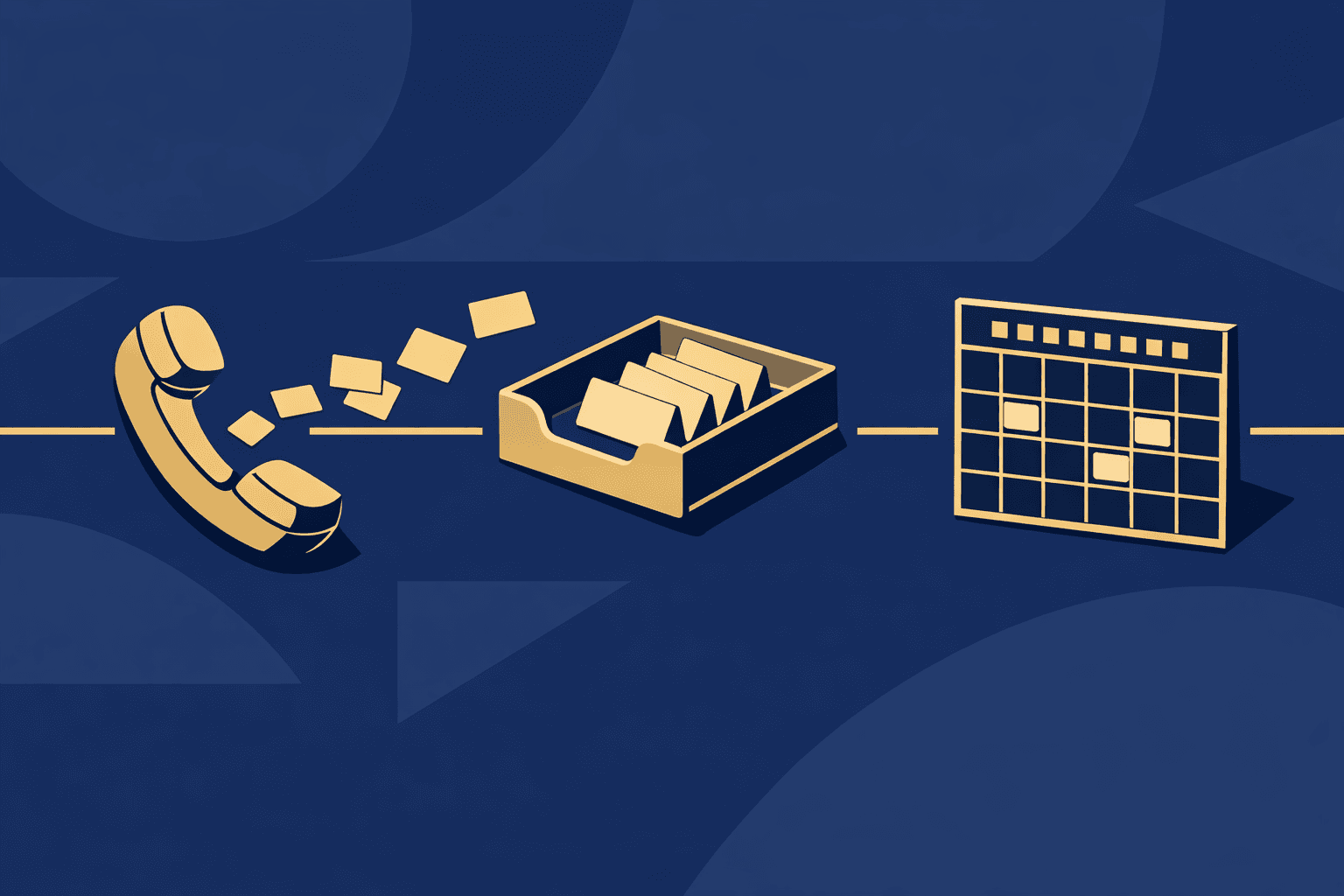
When the transfer is possible, it happens through a process called a card vault migration. The processor takes the stored card data, re-encrypts it in a format your new processor can read, and hands it off. Both processors have to agree to participate. Not all of them do, and the platform you're moving to has to support the process on its end as well.
What Fresha and Mindbody Actually Say
Platform policies on this vary, and two of the most common platforms operators ask about have documented stances worth knowing.
Fresha's help center states, as of September 2026, that client card details can't be exported or transferred. If your business is on Fresha today, plan for the possibility that saved cards will not follow you, and build a re-collection strategy before you migrate.
Mindbody's support center says, as of September 2026, that card data can be exported to a new provider only when the business cancels its Mindbody subscription completely, and that there is a charge for the export. So the data can move, but only after you've fully cut ties, and you'll pay for the privilege. Timing matters: you can't run both systems in parallel while cards are in transit, which compresses your migration window.
What a Card Transfer Request Actually Involves
When you move to a new platform and want saved cards to come with you, the process looks roughly like this:
- Your new platform (or its payment processor) submits a transfer request to your current processor.
- Your current processor reviews the request and decides whether to release the data.
- If approved, the card vault data is re-tokenized for the new processor's system.
- Those new tokens are mapped back to client records in your new platform.
You are not in control of step two. The current processor decides. Denial may come down to the processor's own policies or the volume of cards involved; it may also simply be that the receiving processor isn't a partner they work with. This is why no platform can promise you a card migration will succeed — they can initiate the request, but the current processor has final say.
When a spa switches to Tersavia, we request the transfer of its clients' saved cards from its current payment processor, so card-on-file clients, memberships, and recurring billing can come with it. The current processor controls the release. You can find a fuller explanation of how that process works on the Tersavia switching page for saved cards.
How to Protect Your Business If Cards Don't Transfer
Even when the migration request goes through cleanly, it's smart to have a backup plan. Cards do get declined during the re-tokenization process. Some clients' cards expire between the time you migrate and the time you try to charge. Here's how to reduce the fallout:
- Send a heads-up email before you migrate. Let card-on-file clients know you're updating your systems and that they may receive a request to re-enter payment details. Frame it as a security improvement, not a problem.
- Prioritize your membership clients. These are the accounts where a missing card immediately disrupts recurring billing. Identify them in your current system before you start the migration.
- Build a two-week collection window into your go-live timeline. After launch, have a saved search or report for clients without a card on file and work through it before the next billing cycle.
- Ask at checkout. If a client comes in during the re-collection window and their card didn't transfer, capturing it in person is faster than any follow-up campaign.
This is also a good moment to review which clients have outdated records more broadly. The post on lapsed client win-back covers how to approach clients who've gone quiet — some of the same communication principles apply to clients you need to re-engage for updated payment information.
Questions to Ask Before You Commit to a New Platform
Card migration is a negotiation that involves your current processor and your new processor, with the platforms on both ends playing a role as well. Before you sign a contract with a new booking platform, get clear answers to these questions:
- Who is your new platform's payment processor? (You need this to know whether your current processor will work with them.)
- Does the new platform's processor accept vault migrations from your current one?
- What does your current platform's policy say about card data release? (Pull this from their help center in writing before you ask them directly — documented answers are more reliable than a support chat.)
- Is there a fee from either processor for the transfer?
- What happens to clients whose cards don't transfer? Does the new platform have a way to flag those accounts automatically?
If a sales rep at the new platform promises that saved cards will definitely transfer, ask them to put it in writing. Then have them name the current processor they've successfully migrated from. Vague assurances here cost you real money.
The Broader Migration Checklist
Card on file is one piece of a larger switch. While you're in planning mode, the salon software contract length and cost post is worth reading if you're still inside a paid contract and trying to time your exit correctly — cancellation clauses affect when you can actually initiate a migration without paying double.
The short version of a migration checklist:
- Export client contact data, appointment history, and notes before canceling anything
- Confirm your new platform can import that data in a format it actually accepts
- Initiate the card migration request early, before your current account closes
- Re-collect cards from clients whose transfers fail before the next billing cycle
- Verify that memberships, packages, and recurring billing are live on the new platform before you turn off the old one
The order matters. Closing your old account before the card migration is complete can eliminate your ability to transfer the data entirely — which is exactly the situation Mindbody's policy creates if you're not paying attention to the timing.
FAQ
Can I transfer saved client cards when I switch booking software?
Sometimes. Saved cards are held by your payment processor rather than your booking software. Whether they transfer depends on whether your current processor will release them to your new one. The new platform can request the transfer, but the current processor controls whether it happens.
What does Mindbody's card transfer policy say?
As of September 2026, Mindbody's support center states that card data can only be exported to a new provider after the business cancels its Mindbody subscription completely, and that there is a charge for the export.
What does Fresha's card transfer policy say?
As of September 2026, Fresha's help center states that client card details can't be exported or transferred. Businesses migrating off Fresha should plan to re-collect card information from their clients after switching.
What should I do if saved cards don't transfer when I switch platforms?
Notify card-on-file clients before you migrate so they expect a request. Prioritize membership clients since missing cards interrupt recurring billing immediately. Build a two-week re-collection window into your launch plan and capture cards in person at checkout where possible.